Name the subject
Identify the main character or object and one distinguishing trait. “A small fox with a blue scarf” gives you more to evaluate than “an animal.”
Create with intention
Start with a specific subject, setting, and action rather than a vague request. This guide helps you prepare a visual-story prompt and assess the result without assuming that any particular output or control is available.

A strong starting prompt gives the idea a subject, an event, and a visual direction. Keep each part concrete enough that you can judge whether a result follows it.
Identify the main character or object and one distinguishing trait. “A small fox with a blue scarf” gives you more to evaluate than “an animal.”
State what changes in the scene: the fox discovers a lantern, approaches it, or carries it home. A visible action makes the idea easier to develop into a sequence.
Add a setting, mood, and framing cue, such as a snowy forest at dusk in a wide shot. Treat these as creative instructions, not guarantees of a particular style or composition.
These related pages narrow the topic to video creation, device access, or the broader video use case.
Focuses on preparing a video idea and reviewing the available creation path.
Covers what to verify before trying to work from an iPhone or iPad.
Explains how to frame a visual-story idea when video is the intended result.
A scene brief is a way to make your intent testable. The images below are illustrative; they do not document a verified generation run or promise a matching result.
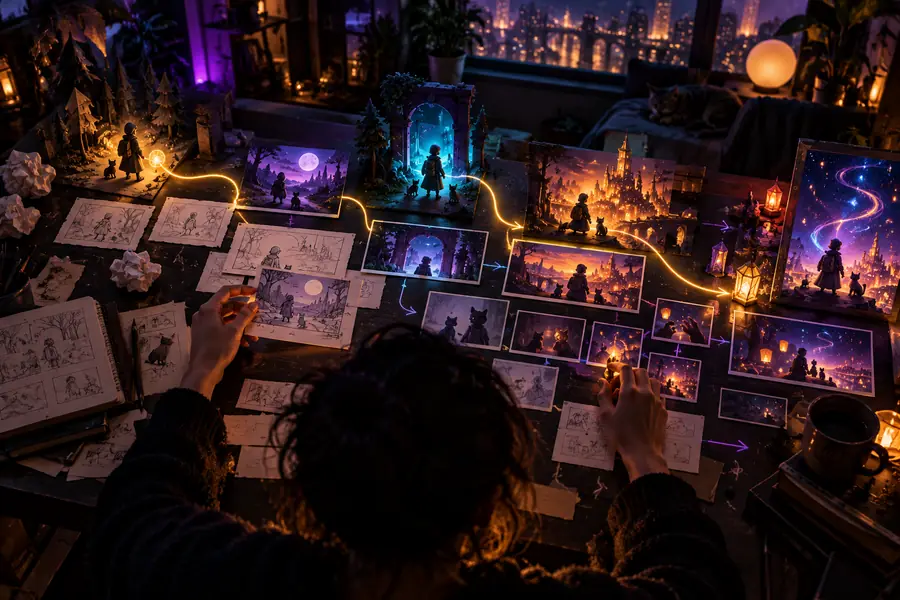

When reviewing any result, compare the subject, action, setting, and mood against your original brief. Change one instruction at a time so you can tell which revision helped.
Use this table to turn a loose concept into instructions you can review. The two columns compare an open-ended request with a more specific brief, not two product modes.
Open-ended request
A character
Reviewable brief
A small fox wearing a blue scarf
Open-ended request
Something magical happens
Reviewable brief
The fox discovers a lantern glowing beneath a tree
Open-ended request
Outdoors
Reviewable brief
A snow-covered forest at dusk
Open-ended request
Nice and interesting
Reviewable brief
Quiet, curious, and gently warm
Open-ended request
Show everything
Reviewable brief
Begin with a wide view that places the fox near the tree
Open-ended request
Does it look good?
Reviewable brief
Can I identify the fox, lantern, forest, and intended mood?
A useful prompt improves clarity, but it cannot establish what a separate creation service supports. Verify the available workflow and terms at the destination.
Visual details may differ from your description, and a complex sequence may need revision even when the initial brief is clear.
WorkaroundPrioritize the essential subject and action, then refine secondary details after reviewing what you receive.
It does not establish available formats, durations, aspect ratios, or editing controls for the destination service.
WorkaroundCheck the current controls and export information there before planning around a specific deliverable.
Availability, account requirements, and usage terms can vary. An online entry point alone does not establish what you can create immediately.
WorkaroundRead the destination's current access and usage information before relying on it for a deadline.
Keep your first attempt short: one subject, one visible action, and a setting. Open the creation destination, check its current options, and use your brief as a reference when judging the result. If the direction is off, revise the most important detail first rather than rewriting everything.
Write a brief that names your subject, its action, the setting, and the intended mood. That gives you specific details to look for when reviewing a visual result.
Not necessarily. A short, concrete scene description is easier to assess than a long list of competing instructions. Add detail when you know which part of the idea needs to change.
No. This page offers a planning approach, not a verified list of the destination's current controls. Check the service itself for its available settings and output options.
Check the main subject and action first, then the setting, framing, and mood. If one element is missing, revise that instruction while keeping the parts that worked.
Do not assume the workflows or features are identical. Check the current access options for the device you intend to use before committing to a particular process.