Describe the idea
Start with a story premise, scene, character, or message in ordinary language. Specific details about mood, setting, action, and audience give magiclight a clearer creative direction.
Plain-English guide
What is magiclight used for? Magiclight is an AI-assisted storytelling tool for turning a written idea into a visual story or video concept. It helps creators move from a rough prompt to something they can review, refine, and share.
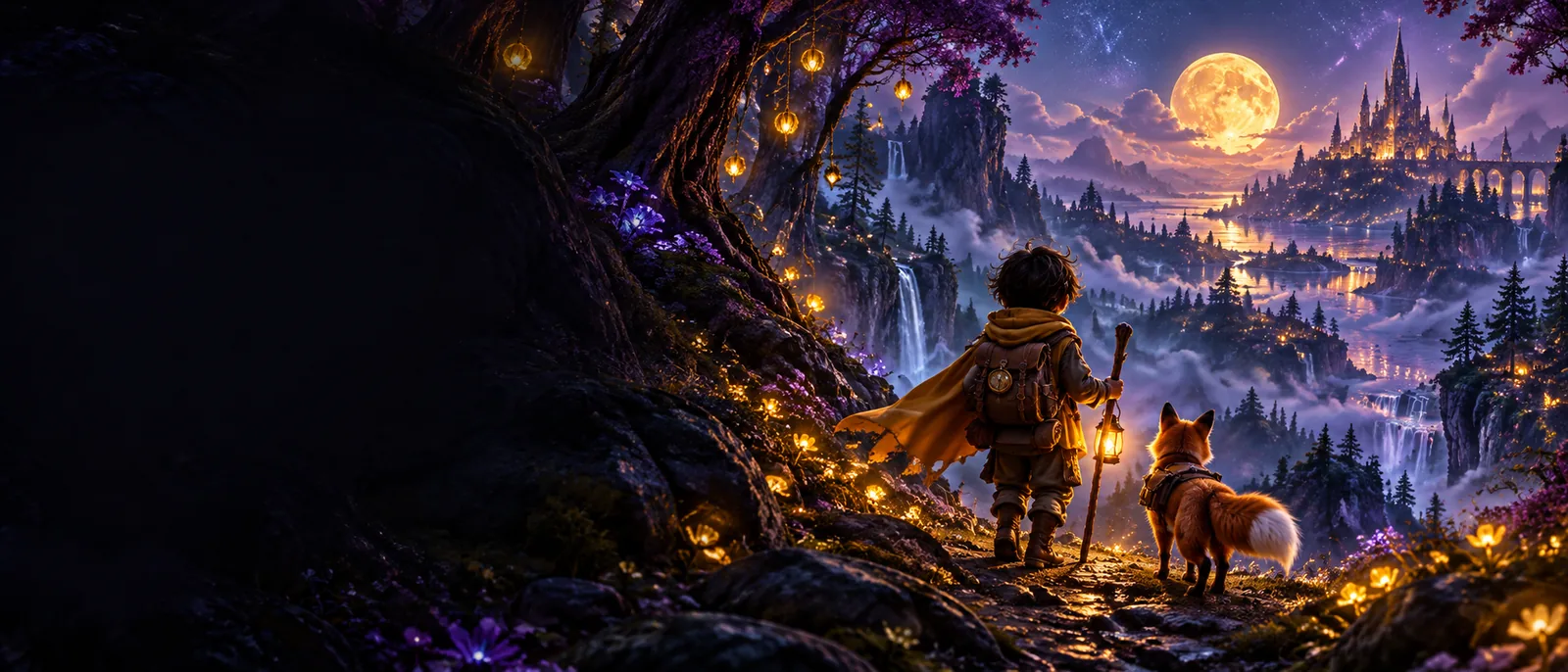
The workflow
Magiclight follows a simple idea-to-story path. The exact result depends on the clarity of the brief, the visual direction, and the amount of refinement you apply.
Start with a story premise, scene, character, or message in ordinary language. Specific details about mood, setting, action, and audience give magiclight a clearer creative direction.
Magiclight interprets the brief into a connected visual concept. You can assess whether the characters, atmosphere, pacing, and sequence match what you intended.
Treat the first result as a working draft rather than a final production. Tighten the prompt, adjust the story direction, and select the version that best serves your purpose.
See how a browser-based workflow can fit into a quick creative session.
Explore the video-focused use case when your goal is a moving visual story.
Review practical example ideas to understand the range of stories the tool can support.
Follow a beginner-friendly path from a first idea to a more deliberate result.
Set expectations
Magiclight is most useful as a creative starting point and iteration partner. It should not be treated as a substitute for judgment, fact-checking, or every part of a conventional production workflow.
A vague prompt can produce a vague or misdirected result because magiclight only has the description you provide.
WorkaroundName the subject, setting, action, mood, visual style, and intended audience before generating.
Characters, objects, composition, or visual details may shift between scenes or revisions, especially in a longer story.
WorkaroundKeep prompts consistent, review each scene, and use a shorter sequence when continuity matters most.
A polished-looking result may still miss the message, tone, cultural context, or factual accuracy your project requires.
WorkaroundReview the output as an editor and make human decisions about accuracy, sensitivity, pacing, and purpose.
A generated concept is not automatically a complete campaign, script, brand system, or finished piece of professional post-production.
WorkaroundUse magiclight for ideation and visual development, then add the human-led planning or editing your project needs.
A useful distinction
The best fit depends on whether you need an idea visualized quickly or a fully controlled production pipeline. This comparison helps place magiclight in the wider creative process.
Magiclight workflow
A written idea, prompt, or story brief
Traditional production workflow
A developed script, storyboard, or production plan
Magiclight workflow
Fast visual exploration and concept iteration
Traditional production workflow
Detailed control over every production decision
Magiclight workflow
Creators, storytellers, marketers, educators, and small teams
Traditional production workflow
Directors, agencies, studios, and production crews
Magiclight workflow
Guided through prompts, revisions, and selection
Traditional production workflow
Managed directly across people, tools, and production stages
Magiclight workflow
Ideation, previsualization, drafts, and lightweight storytelling
Traditional production workflow
Planned shoots, branded campaigns, and complex final deliverables
Magiclight workflow
Essential for direction, continuity, and final approval
Traditional production workflow
Built into most roles and production checkpoints
Magiclight workflow
A visual story direction, draft, or shareable concept
Traditional production workflow
A controlled finished production with defined deliverables
From brief to visual
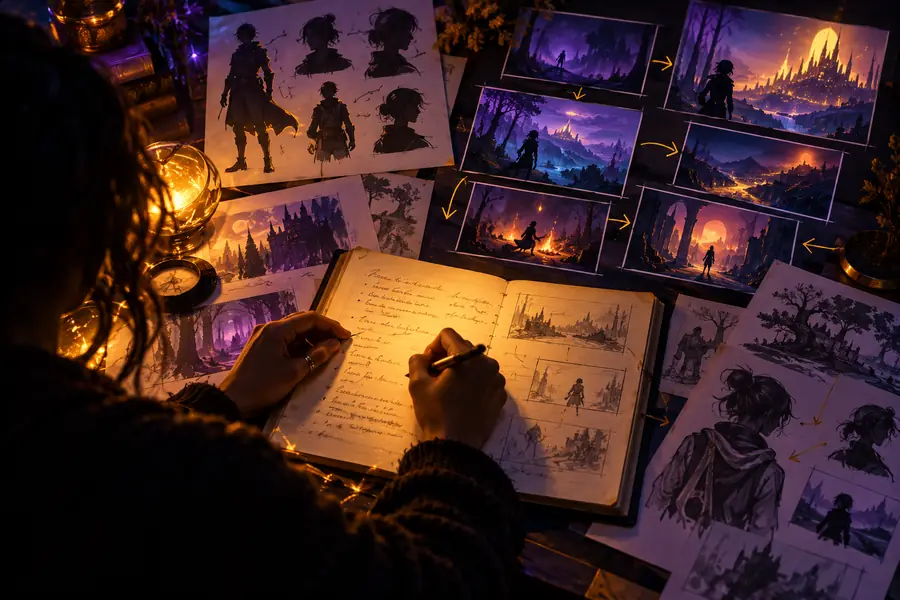

The second image is a direction to review, not a promise of a finished production.
Make the idea tangible
If you have a scene, character, lesson, or message in mind, magiclight can help you see the direction before committing to a larger production process. Bring a clear brief, review the result critically, and refine from there.
Your questions
Magiclight is used to turn written creative ideas into visual story directions or video concepts. It can help with ideation, early visualization, drafts, and communicating an idea before a larger production effort.
Magiclight can be useful for creators, storytellers, educators, marketers, and small teams that need to explore a visual idea quickly. It is also relevant to people who want a starting point before involving a larger creative or production team.
Magiclight can support the development of a visual story or video concept, but a generated result should not automatically be treated as a complete finished production. Review, direction, continuity checks, editing, and project-specific approvals may still be needed.
The basic workflow is approachable because it starts with a written description rather than a full production setup. Beginners usually get better results when they describe the subject, action, setting, mood, and intended audience clearly.
Include the main subject, what is happening, where it happens, the mood or visual direction, and who the story is for. If the sequence needs continuity, repeat important character and setting details across related prompts.